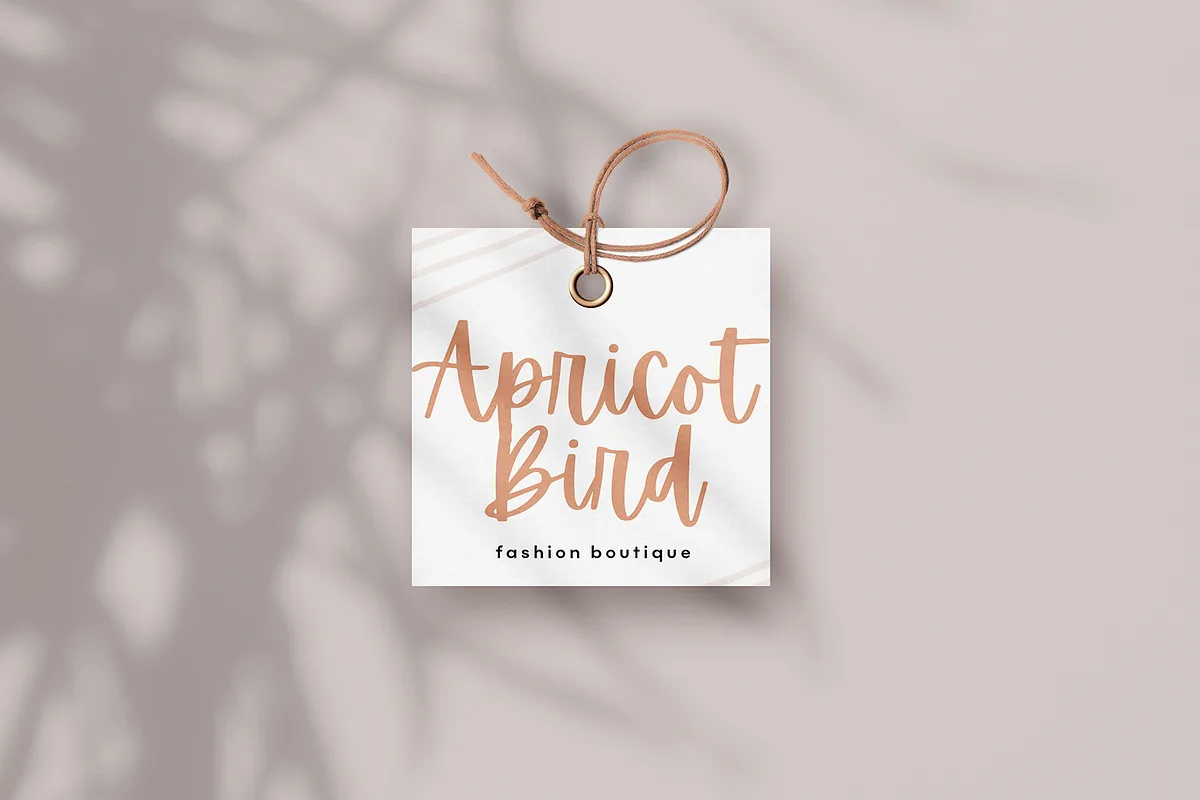
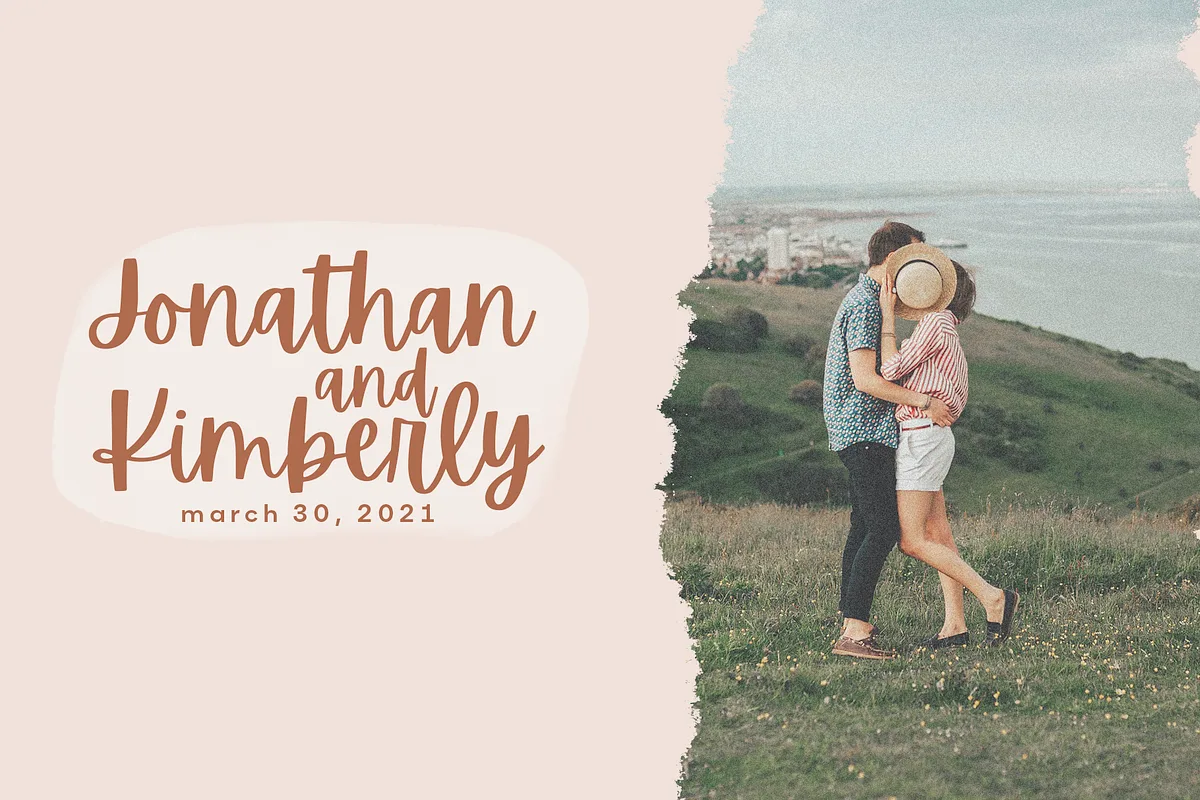
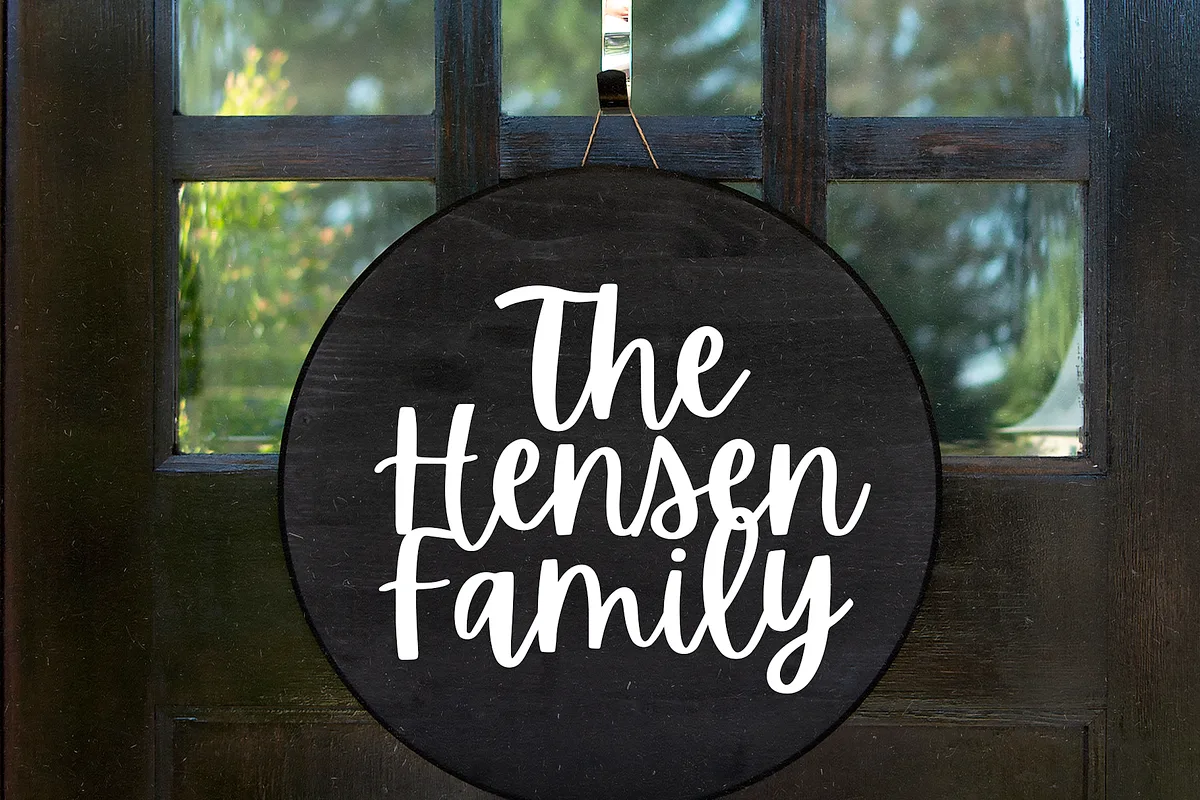
Apricots is a handwritten script by KA Designs with a loose, cheerful bounce to it — letters sit slightly off the baseline, strokes taper the way a real brush pen does, and nothing about it tries to look formal. It reads as modern handwriting rather than calligraphy, which is why it suits blog headers, small-business branding and invitations more than it suits anything corporate.
Apricots, Apricot or Apricotsy? Sorting out the name
Searching for “apricots font” turns up at least five different typefaces with near-identical names, by five unrelated designers, on wildly different licences. If you arrived here expecting a free download and found a paid font, you were probably looking for one of the others. Here is the whole set:
| Font | Designer | Free? | Style |
|---|---|---|---|
| Apricots (this page) | KA Designs | No — from $10.20 | Handwritten script |
| Apricotsy | Allouse Studio | Demo, personal use only | Handwritten script |
| White Apricot | Balpirick Studio | Personal use only | Modern handwritten |
| Apricot — Handlettered Serif | Minna May Design | No — $18 | Hand-drawn serif |
| “Apricot” on aggregator sites | Unattributed | Listed free, no licence stated | Varies |
The one people confuse with this font most often is Apricotsy by Allouse Studio, a handwritten script on DaFont with well over 29,000 downloads. Two things to know before you rely on it: DaFont labels it “free for personal use”, so it does not cover commercial work, and the file you actually receive is named Apricotsy Demo.ttf — a demo cut, which normally means a reduced character set rather than the complete font.
White Apricot by Balpirick Studio is also personal-use only. Apricot — Handlettered Serif by Minna May Design is not a script at all but a hand-drawn serif, sold for $18, and its bold styles are uppercase-only. And a font simply called Apricot circulates on several free-font aggregator sites where the licence field reads “No License Available” and no designer is credited — worth avoiding for anything commercial, since there is no way to establish what you are permitted to do with it.
What is in the download
The package is deliberately simple: Apricots OTF and Apricots TTF, the two formats that cover essentially every desktop design application between them. OTF is the one to install if you are given a choice, since it handles advanced typographic features better; TTF is there for older software and for tools that refuse anything else.
Accent characters are included, so European languages with diacritics will set correctly rather than dropping to a fallback font. The product page does not publish a full glyph map or a specific language list, so if you need an unusual character set it is worth checking with the shop first.

Licence and price
Apricots is a commercial font, not a free one — but it is among the cheaper scripts of its kind. The desktop licence is listed on Creative Market at $12.00, discounted to $10.20 at the time of writing, which puts it well below the $20–35 that comparable handwritten families usually ask. If you are buying a script for a single logo or a one-off invitation suite, that difference matters.
As with everything on Creative Market, the desktop licence covers personal and small commercial use. Webfont, e-pub and app licences are sold separately if the font needs to live on a website, inside an ebook or in an application.
Using Apricots in Canva
Canva’s bundled font library changes over time, so check first: open any design, click the font dropdown and type “apricots”. If it is not there, you can upload it yourself — but that requires a paid plan. According to Canva’s own documentation, font uploads are available on Canva Pro, Enterprise, Education and Nonprofit accounts but not on the free plan. The route is Brand Kit → Fonts → Upload a font, and Canva accepts OTF, TTF and WOFF — so either of the two files in the Apricots download will work.
One thing to know before you try: Canva will reject a font that is not licensed for embedding. That permission is set inside the font file itself, so if the upload fails this is usually the reason and it is not something you can change from Canva’s side.
Where Apricots works well
Scripts with this much bounce want space. Apricots is at its best as a display face — a header, a product name, a quote card — set large enough that the taper on each stroke is visible. It struggles in long paragraphs and in tight columns, and like most connected scripts it should never be set in all caps, which breaks the joins between letters. Pair it with a plain sans for body copy and let Apricots carry the personality on its own.
Frequently Asked Questions
Is Apricots font free to download?
No. Apricots is a commercial font from KA Designs and there is no free version. The desktop licence is listed at $12.00 on Creative Market, discounted to $10.20 at the time of writing, which makes it one of the more affordable handwritten scripts available.
What is the difference between Apricots and Apricotsy?
They are unrelated fonts by different designers. Apricots is a paid handwritten script by KA Designs. Apricotsy is by Allouse Studio and is distributed on DaFont under a “free for personal use” label, which does not cover commercial work — and the downloaded file is named Apricotsy Demo.ttf, meaning it is a demo cut rather than the complete font. Two further look-alikes exist: White Apricot by Balpirick Studio, also personal use only, and Apricot by Minna May Design, which is a hand-drawn serif rather than a script.
What file formats does Apricots come in?
Two: Apricots OTF and Apricots TTF. Between them they cover almost every desktop design application. Install the OTF version where you have the choice, as it handles advanced typographic features better than TTF.
Can I use Apricots font in Canva?
Check the font dropdown in the Canva editor first, since Canva’s bundled library changes over time. If it is not listed you can upload it, but font uploads require a Canva Pro, Enterprise, Education or Nonprofit plan; the free plan does not allow them. Go to Brand Kit → Fonts → Upload a font and use either the OTF or the TTF file from your download.