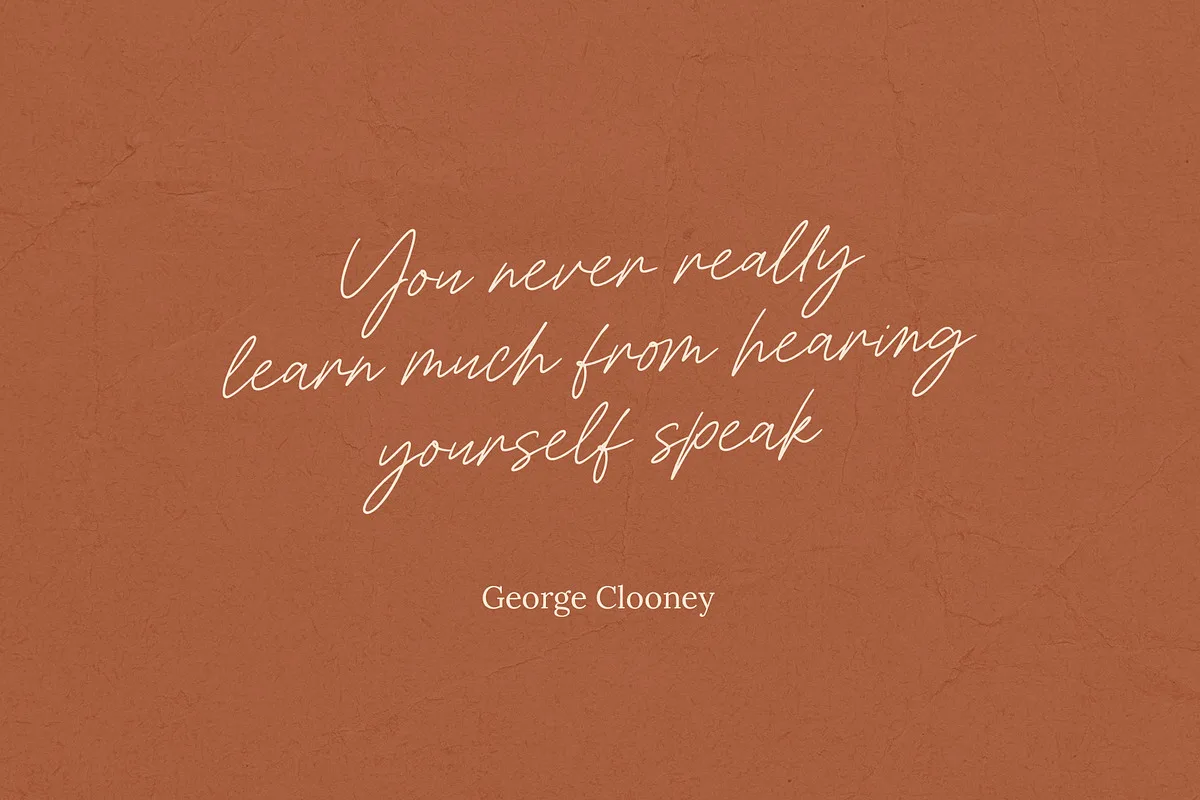
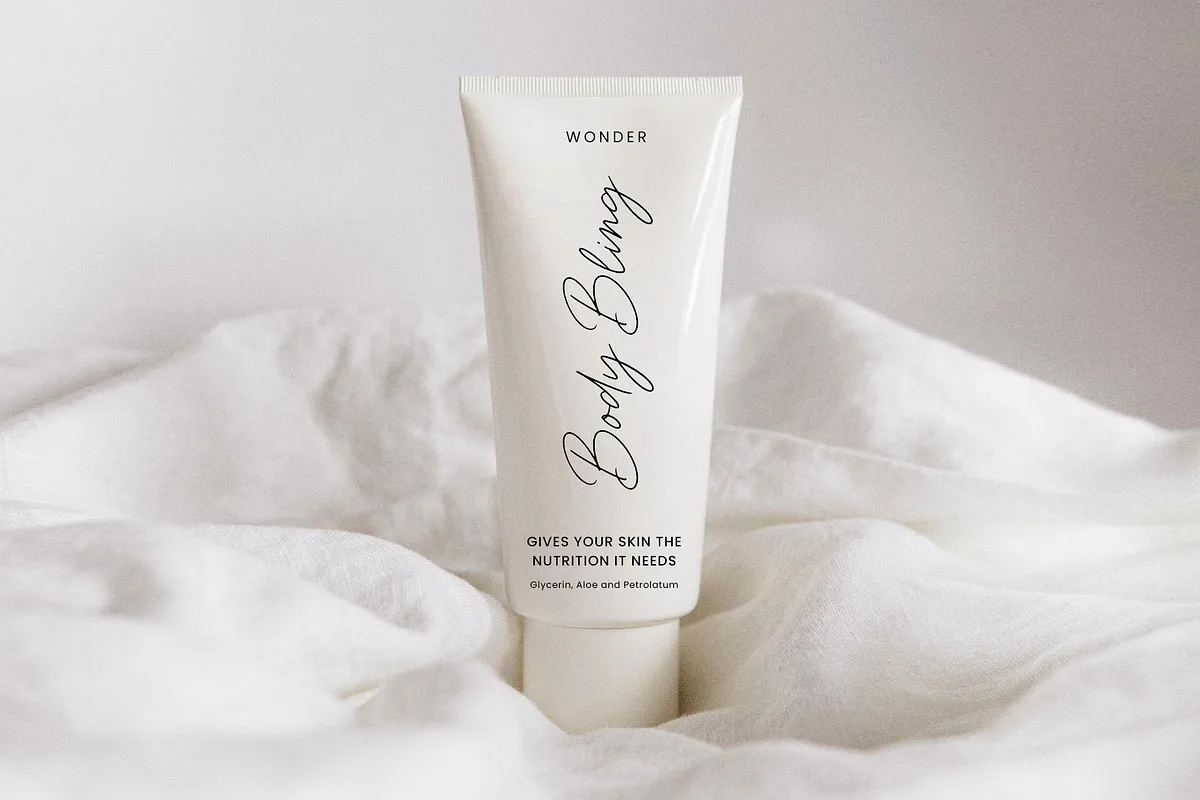
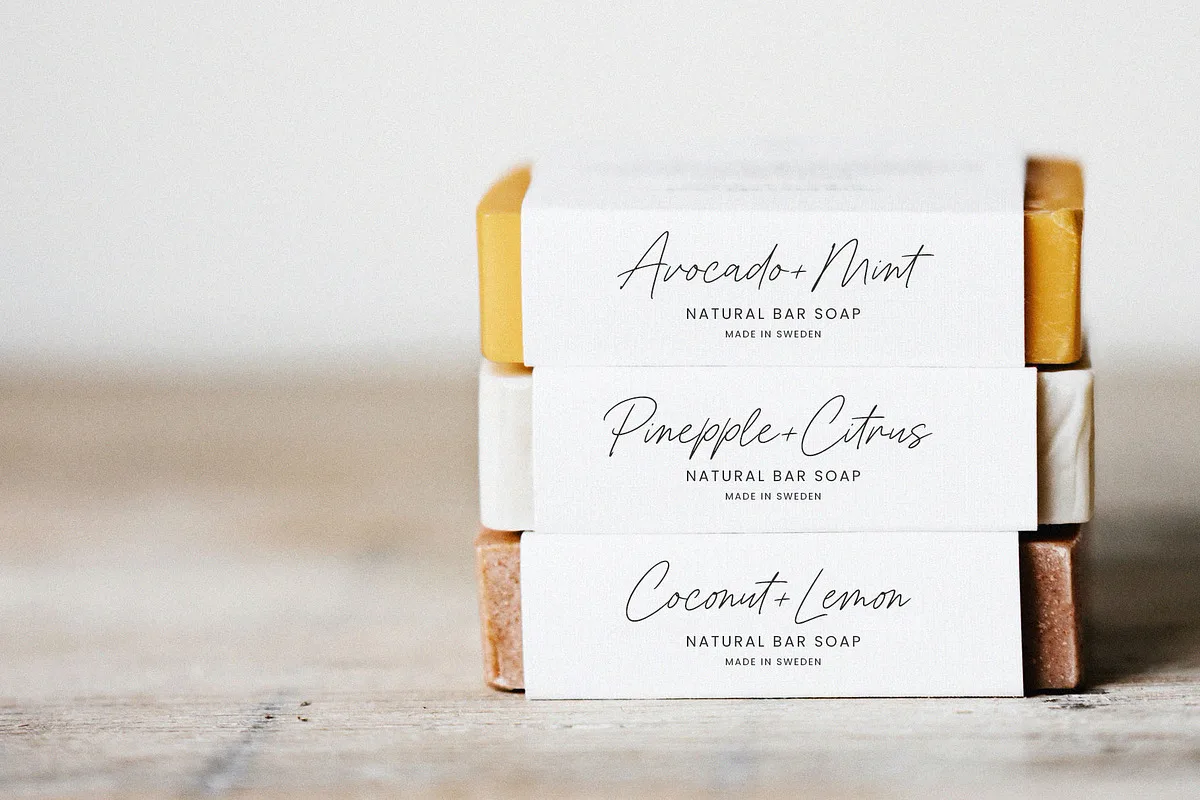
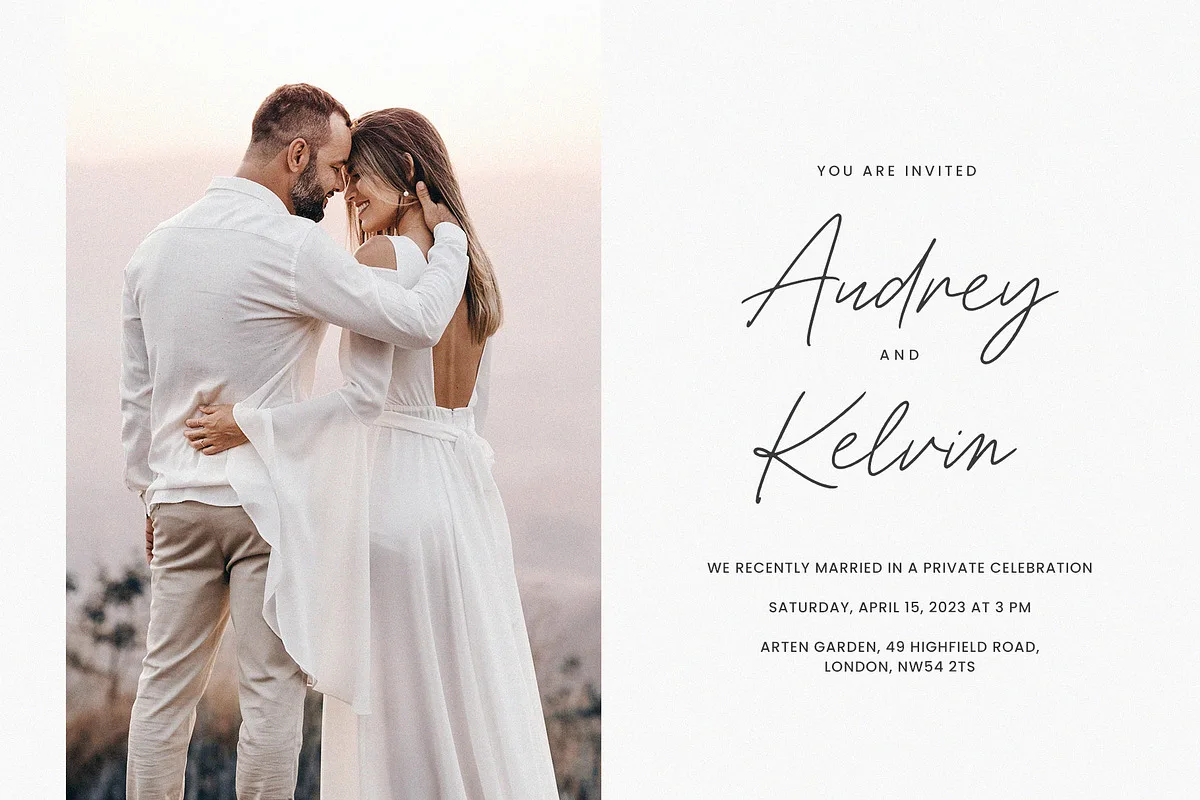
Constane is a handwritten signature script by Seagulls Creative, an Indonesian design studio. It is written with an even, pen-like line (no thick-and-thin contrast), slanted forward, with long loose loops on capitals such as Y, B and L. It looks like someone signing their name quickly with a fine felt-tip, which suits beauty packaging, photography watermarks, quote graphics and wedding stationery.
Constane or Midlenorth Constane? Two different fonts
If you searched for “Constane font free download”, you may have found a free font on DaFont. That font is not this one. Two handwritten scripts share the name:
| Constane (this page) | Midlenorth Constane | |
|---|---|---|
| Designer | Seagulls Creative | Perspectype Studio (Letterena) |
| Where | Creative Market | DaFont |
| Price | $16 desktop licence | Free demo |
| Licence | Personal and commercial use | Personal use only, no commercial use |
| File | Full font, OTF/TTF | One demo file, Midlenorth Constane.otf |
The DaFont download is explicitly a demo, and its author states it is “ONLY for PERSONAL USE. NO COMMERCIAL USE ALLOWED!” A commercial licence for Midlenorth Constane is sold separately at letterena.com, and the author says they do not grant licences after the fact for unauthorised commercial use. If you are designing anything for a business, a client or a monetised channel, the free file is not an option.
You may also see Constanze Pro (a commercial calligraphic script by RMU Typedesign) or Constance (a free-for-personal-use sans serif on DaFont) come up in searches. Both are unrelated fonts.
What is in the Constane download
- Letters, numbers, symbols and punctuation
- Alternate characters and ligatures, which help avoid the “copy-pasted” look that repeated letters give a handwritten font
- Multilingual support
- Works on PC and Mac, in Illustrator, Photoshop, InDesign, Word and similar apps

Price and licence
Constane is inexpensive. The desktop licence on Creative Market was $16 at the time of writing, and it covers personal and commercial use in print, packaging, logos and static graphics. Webfont ($13.60), e-pub ($29.60) and app ($125.60) licences are sold separately if you need to embed the font in a website, an ebook or software.
Some buyers have reported that the font did not show up in Photoshop or Affinity after installing it. If that happens, restart the app after installing the font (and on Windows, try “Install for all users”), because many design apps only read the font list at launch.
Using Constane in CapCut
Signature scripts like Constane are popular for video titles and captions, and CapCut lets you use your own fonts. Where the option sits depends on your version:
- Mobile (iPhone, iPad, Android): add a text layer, open the font list and look for the import or “add font” option, then choose the Constane OTF or TTF file from your device.
- Desktop (Windows, Mac): the most reliable way is to install Constane on your computer first. CapCut then lists it with your system fonts. Restart CapCut if it does not appear.
One caution for video creators: using the free Midlenorth Constane demo in a monetised video or a paid ad counts as commercial use, and its licence forbids that.
Using Constane in Canva
Canva’s built-in font library changes over time, so check first: open a design, click the font dropdown and type “constane”. If it is not listed, you can upload it on a Canva Pro, Enterprise, Education or Nonprofit plan (the free plan doesn’t allow uploads) via Brand Kit → Fonts → Upload a font. Canva accepts OTF, TTF and WOFF.
Frequently Asked Questions
Is Constane font free?
Constane by Seagulls Creative is not free; the desktop licence is $16 on Creative Market. The free “Constane” on DaFont is a different font, Midlenorth Constane by Perspectype Studio, and it is a personal-use-only demo.
Can I use Midlenorth Constane commercially?
Not with the free DaFont file. Its author states it is for personal use only and sells commercial licences separately through letterena.com.
Can I use Constane in CapCut?
Yes. On mobile, import the OTF or TTF file through the font list. On desktop, install the font on your computer and CapCut will list it with your system fonts.
Why doesn’t Constane show up in Photoshop after installing?
Most design apps only load fonts when they start. Close and reopen the app after installing. On Windows, installing the font “for all users” can also help.